 rotordeck
Your name on every boot
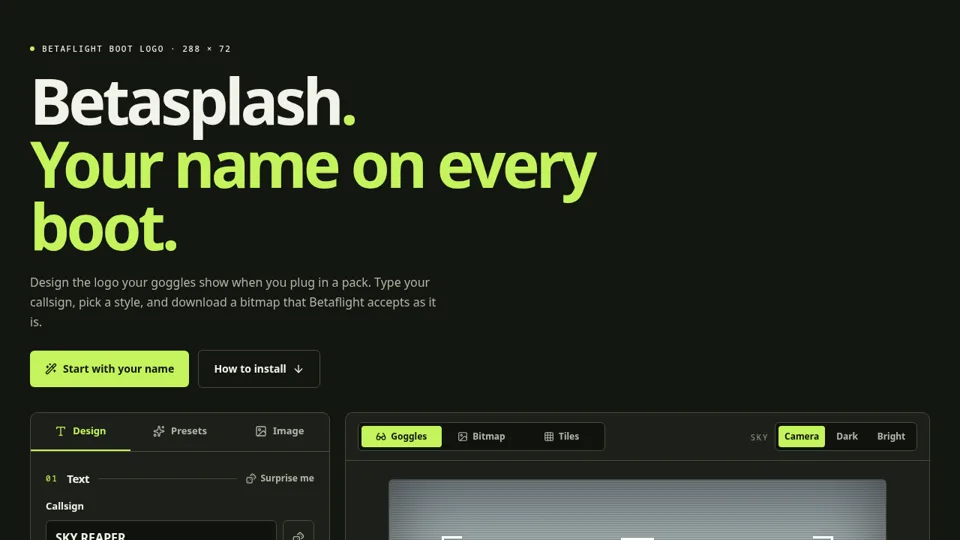
Betasplash is a boot logo editor for Betaflight. Type your callsign, pick a font and a style, and download a logo that shows up in your goggles every time you plug in a battery.
Six steps to a logo
The editor walks through text, font, style, frame, emblem and background. There are 40 fonts to choose from, from racing and cyberpunk to pixel and stencil, each previewed with your own callsign. Presets apply a ready-made style to your text if you want a quick start.
Already have artwork? The Image tab converts your own picture, with threshold, dithering and background removal. You can also add a small emblem to the left, right or above your callsign.
See it before you flash it
The preview has three views: Goggles shows the logo on an analog boot screen over a dark or bright sky, Bitmap shows the exact export, and Tiles shows the 12×18 OSD character cells it is cut into.
Install
- Download the BMP (or press Ctrl/Cmd+S).
- Open the Font Manager in Betaflight Configurator, upload the logo and flash the font.
- Plug in a battery and look in your goggles.
The step-by-step guide is right below the editor. Want a matching OSD font? Try OSD Fonts.