 rotordeck
Give your radio a soundtrack
Stickbeats swaps the stock beeps and warnings of your EdgeTX radio for one of 47 free sound themes. You can hear every sound in the browser before you install anything.
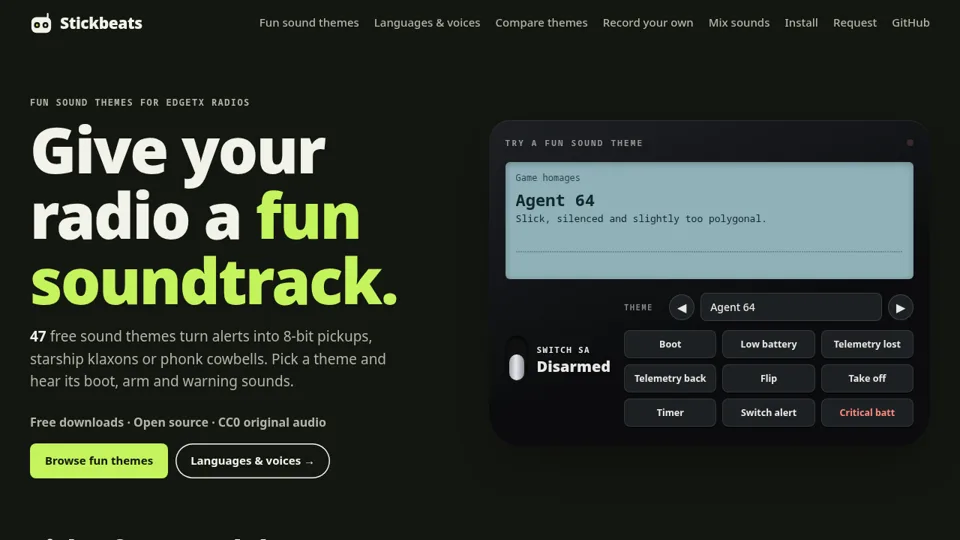
47 themes, one folder
Each theme replaces the radio's event sounds: boot, arm and disarm, low battery, telemetry lost, RF critical, timers, trims, flight modes and the rest, 70 files in all. Spoken numbers and units stay as they are, so your callouts still make sense.
- Retro consoles and old PCs: 8-Bit Hero, Block Drop, PC Speaker, AdLib FM, Dial-Up '98.
- Screen and story: Starship Bridge, Neon Grid, Haunted Manor, Medieval Bard.
- Weird ones: Drift Phonk, Kazoo Orchestra, Cat Mode, Rubber Duck Squad, Elevator Bossa.
All music is original or public domain, written as MIDI and rendered with chip, synth, FM and drum-machine voices. The audio is CC0, the code is MIT.
Mix your own, or record it
Like the arm sound from one theme and the low-battery warning from another? The Mix page lets you pick per sound and share the mix as a link. You can also record your own voice or noises for any event. Recordings stay on your device; nothing is uploaded.
There are voice packs in 16 languages too, including new free voices for Flemish and standard Dutch, British, Australian and Scottish English.
Install
- Pick a theme on Stickbeats and download the pack.
- Unzip it and copy its
SOUNDSfolder to the root of your radio's SD card (install guide). - Power on and listen to the boot sound.
Made a mix you love, or missing a sound? Tell us on Discord.